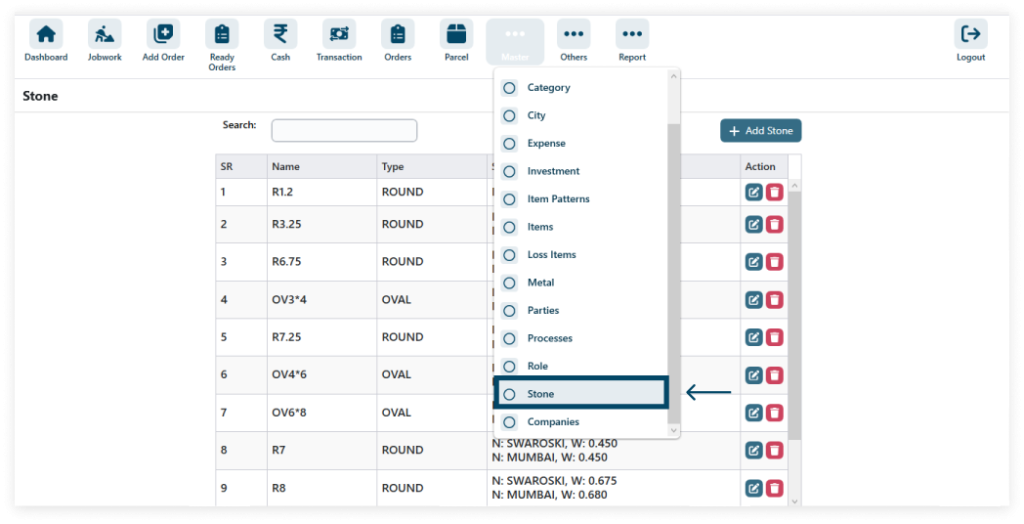
1. To access Stone in the Master section, navigate to Master and select Stone from the dropdown menu.
Go to Master → Stone
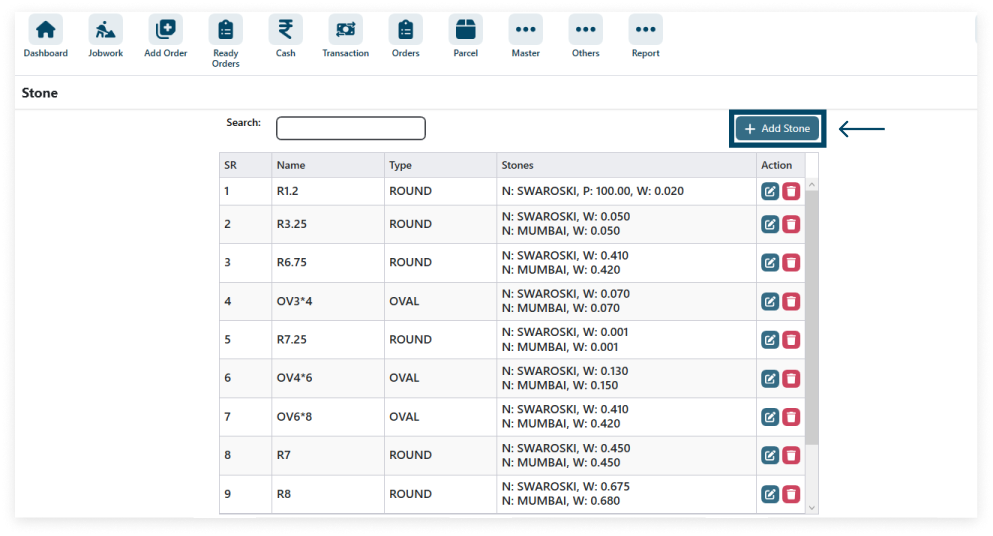
2. Click the add Stone Icon.
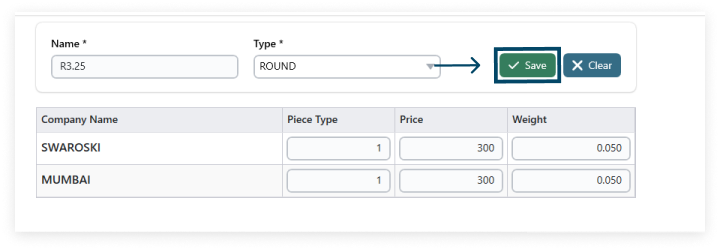
3. Enter your data after filling in all the details (* field required) then click on SAVE.
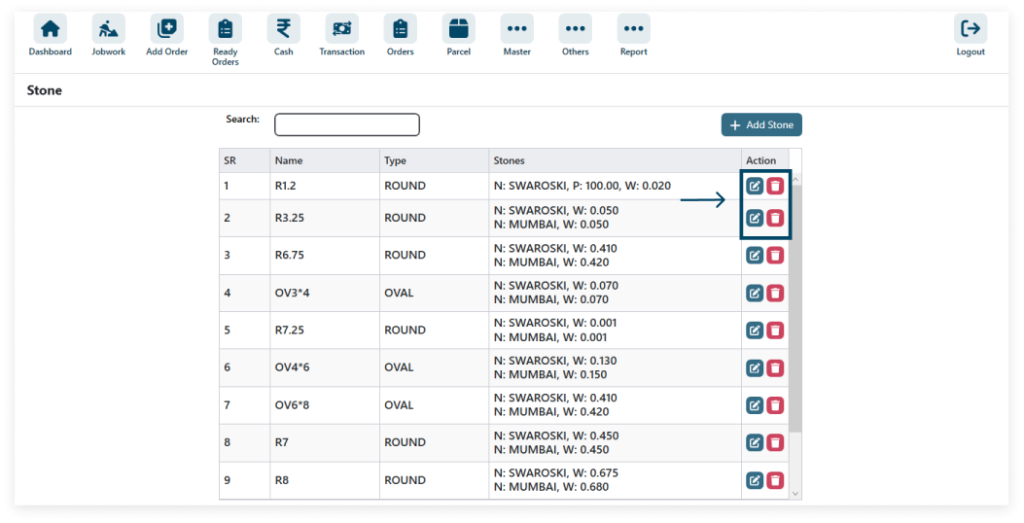
4. The Edit icon allows modifying details, Delete icon removes data.