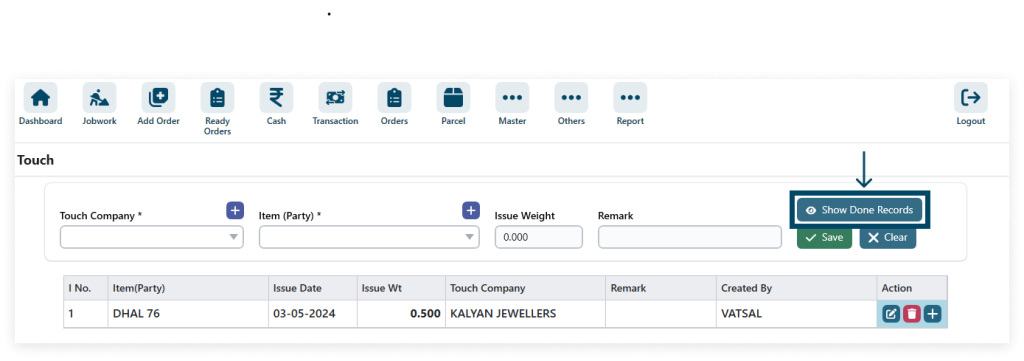
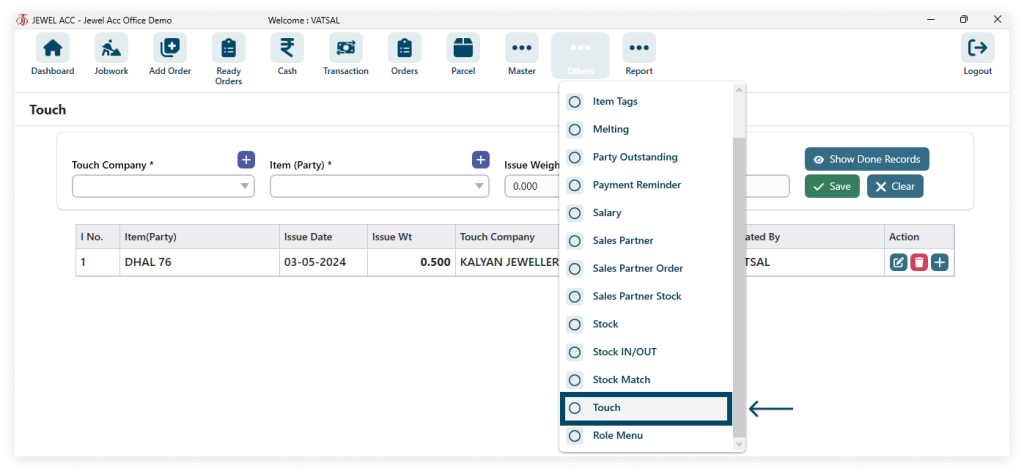
1. Go to Touch.
Go to Other → Touch
2. Click the plus icon to create a new touch company and item.
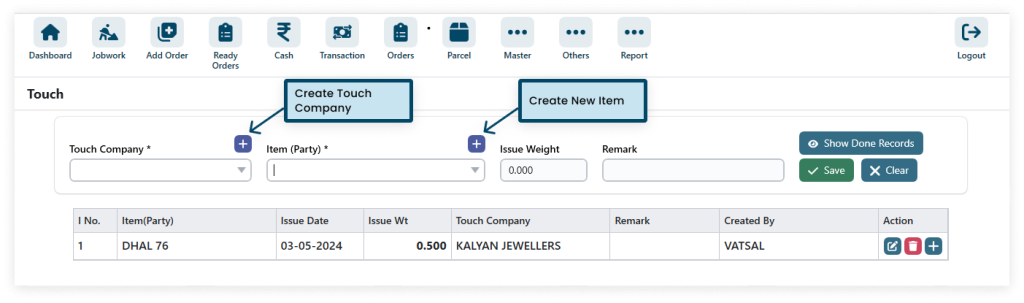
Step 1: Create a touch company enter a detail and click the save.

Step 2: Create a new item, a detail and click the save.
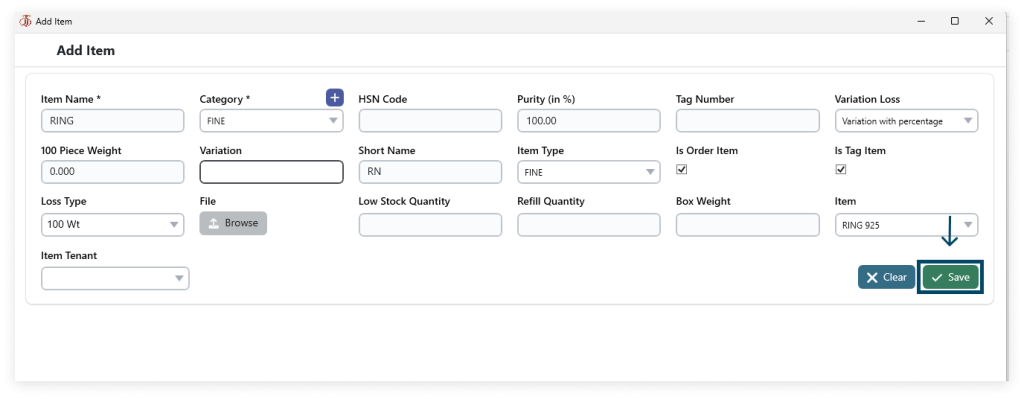
3. After filling in all the details (* field required) click on SAVE.

4. Edit and Delete details.
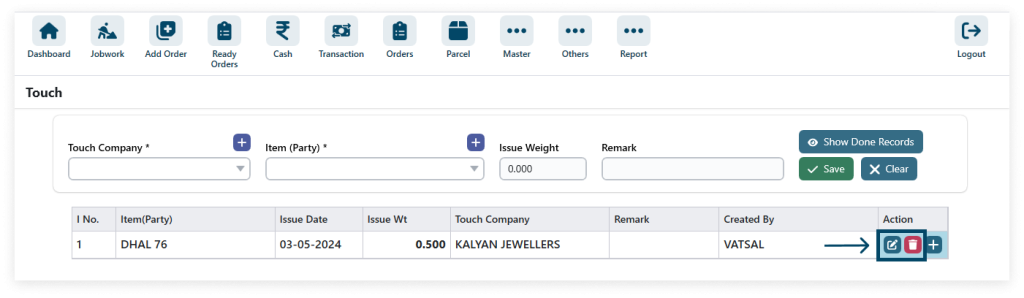
5. Mange the touch click the plus icon.
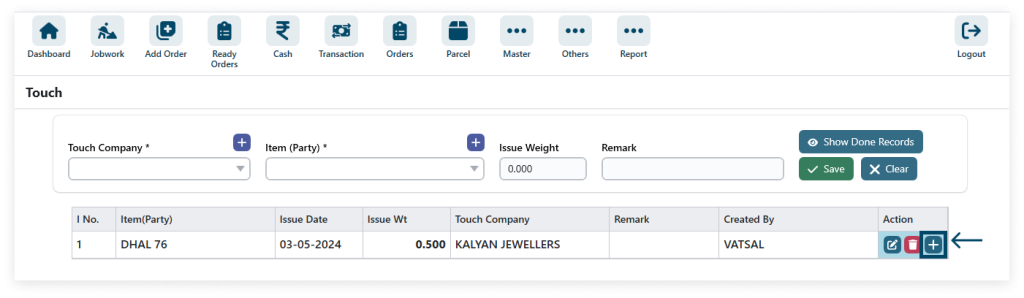
6. After filling in all the details (* field required) then click on SUBMIT and DONE.
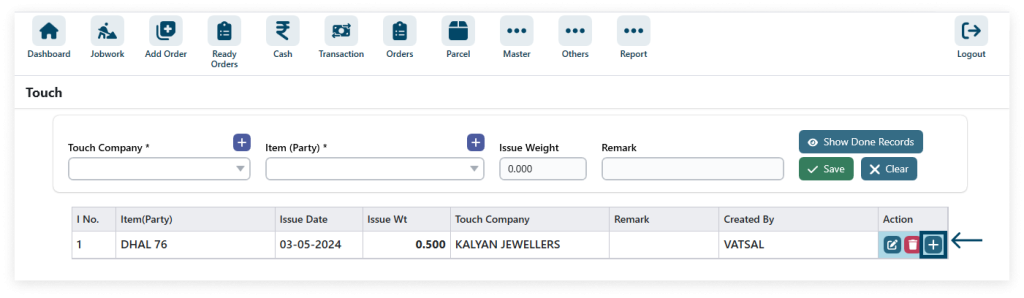
7. Show done records.