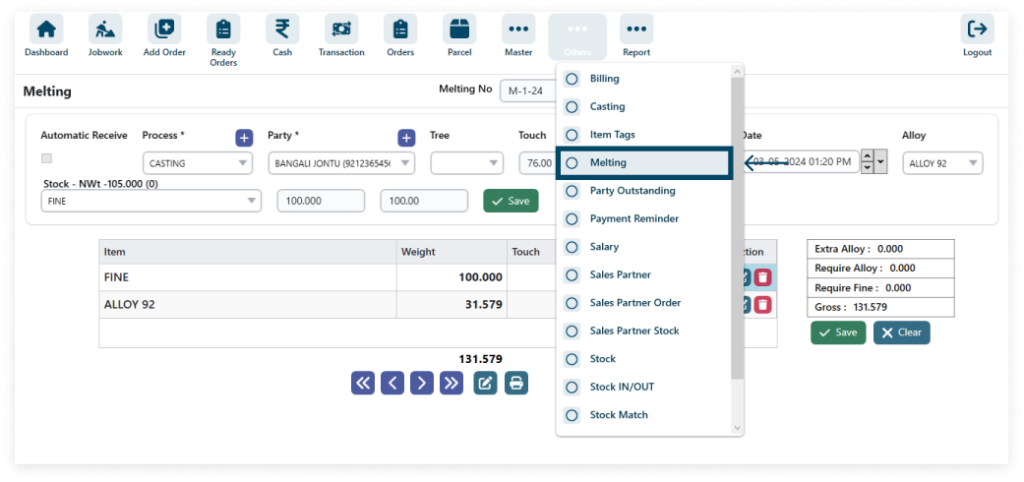
1. To access Melting, navigate to Other and click on Item Tags.
Other => Melting
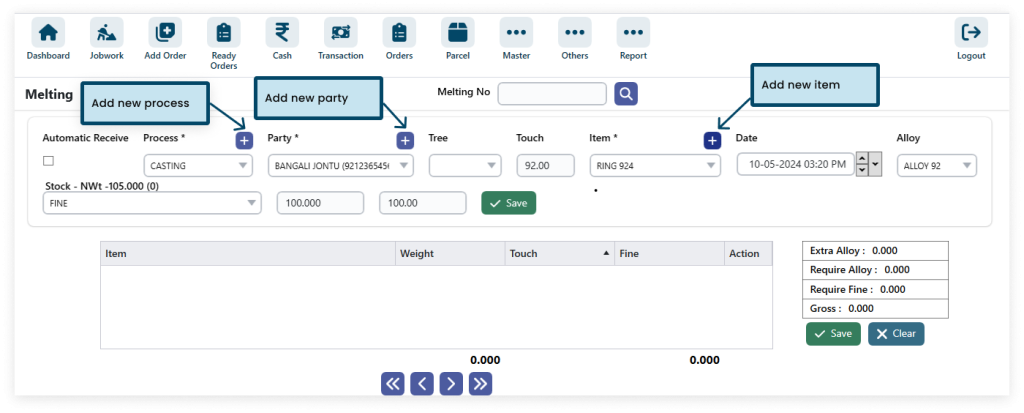
2. Click the Plus icon to create new processes, parties, and items swiftly.
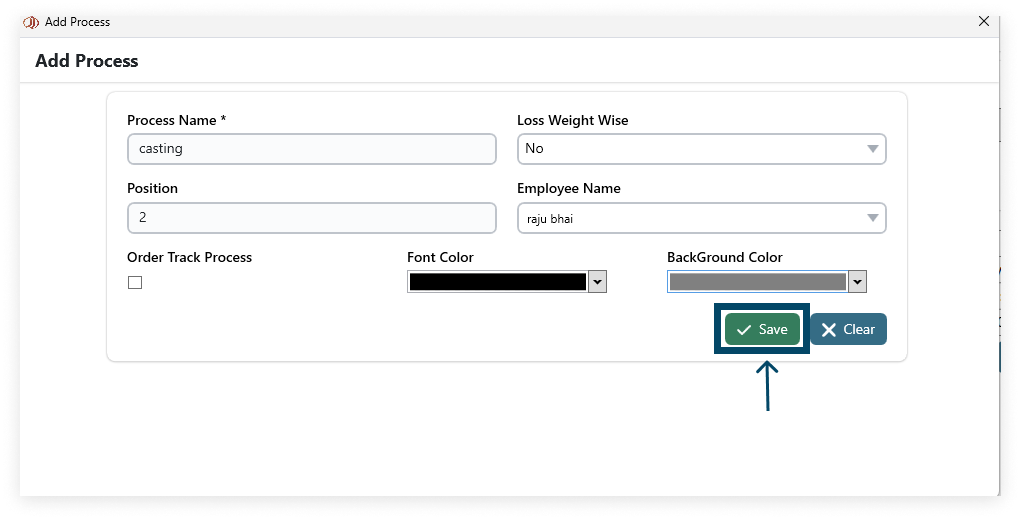
Step 1: After entering the details in the form, click Save to store the new Process information.
Step 2: After entering the details in the form, click Save to store the new Party information.
Step 3: After entering the details in the form, click Save to store the new Item information.
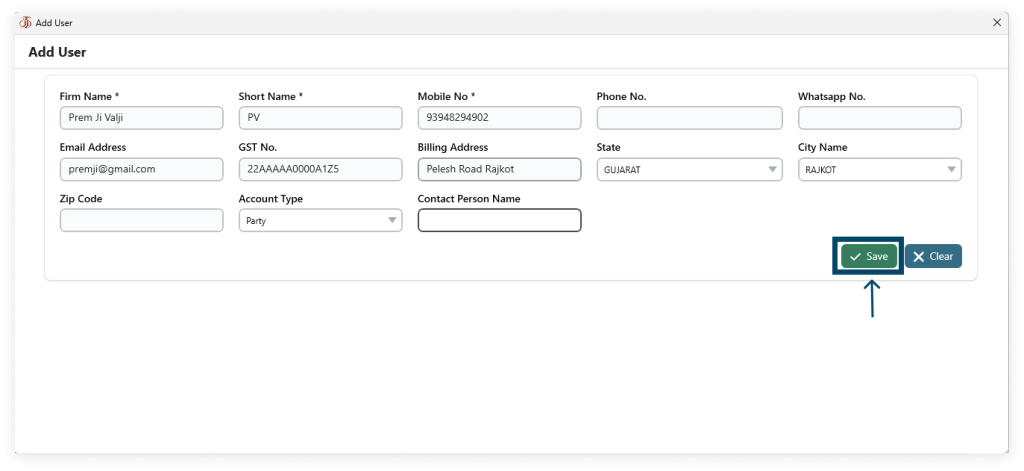
3. After filling in all the details (* field required) click on Save.
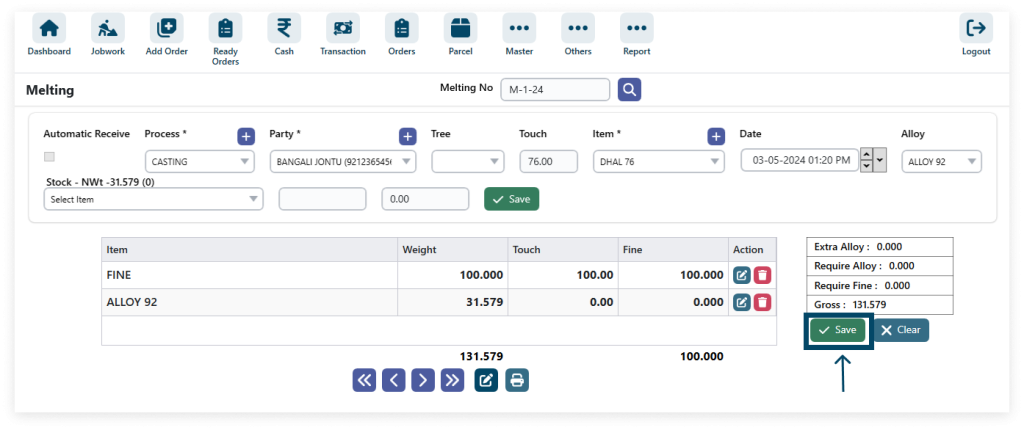
4. Edit detail.
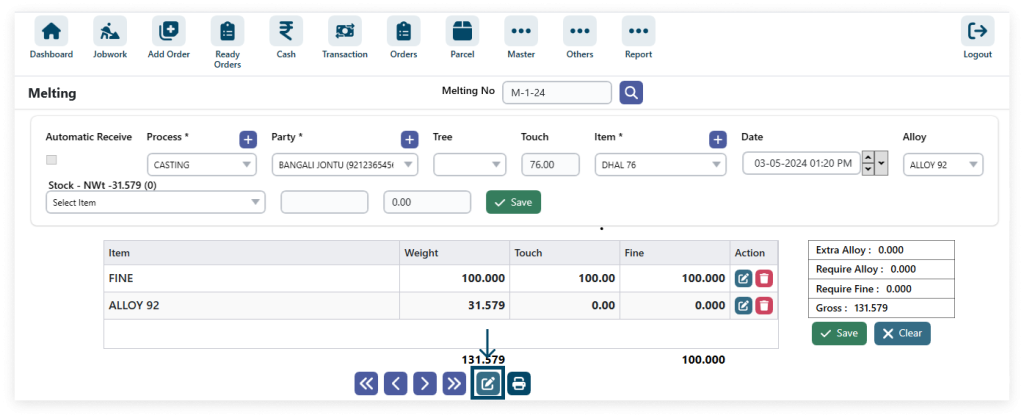
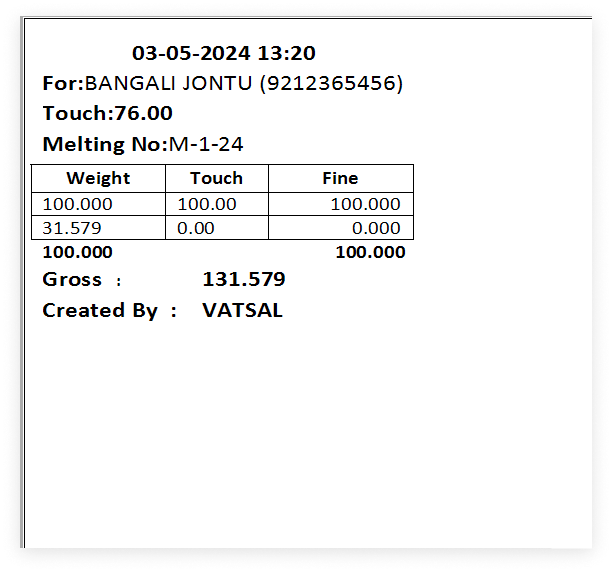
5. Click the print Button.
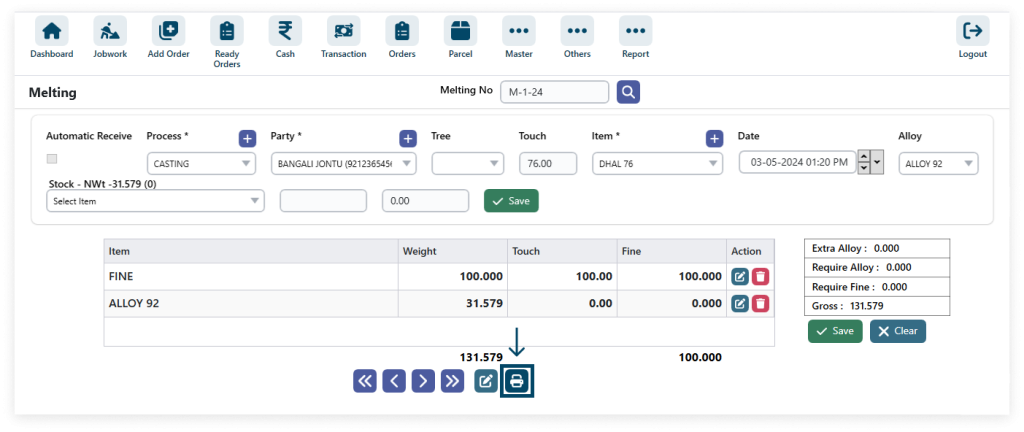
6. View the print.